Restarting Your Internet Equipment
Quick Fix Guide (Mobile-Friendly)
Restart order matters:
➡️ Modem → Firewall → Switch
When should I do this?
Use this guide if:
Internet is down or unstable
Wi-Fi or phones won’t connect
Devices show “offline”
Things are slow or frozen
This is safe and fixes many common issues.
⚠️ Before You Start (Important)
Takes 5–10 minutes
Do NOT press reset buttons
Only unplug power cables
Leave all Ethernet/network cables plugged in
What will my equipment look like?
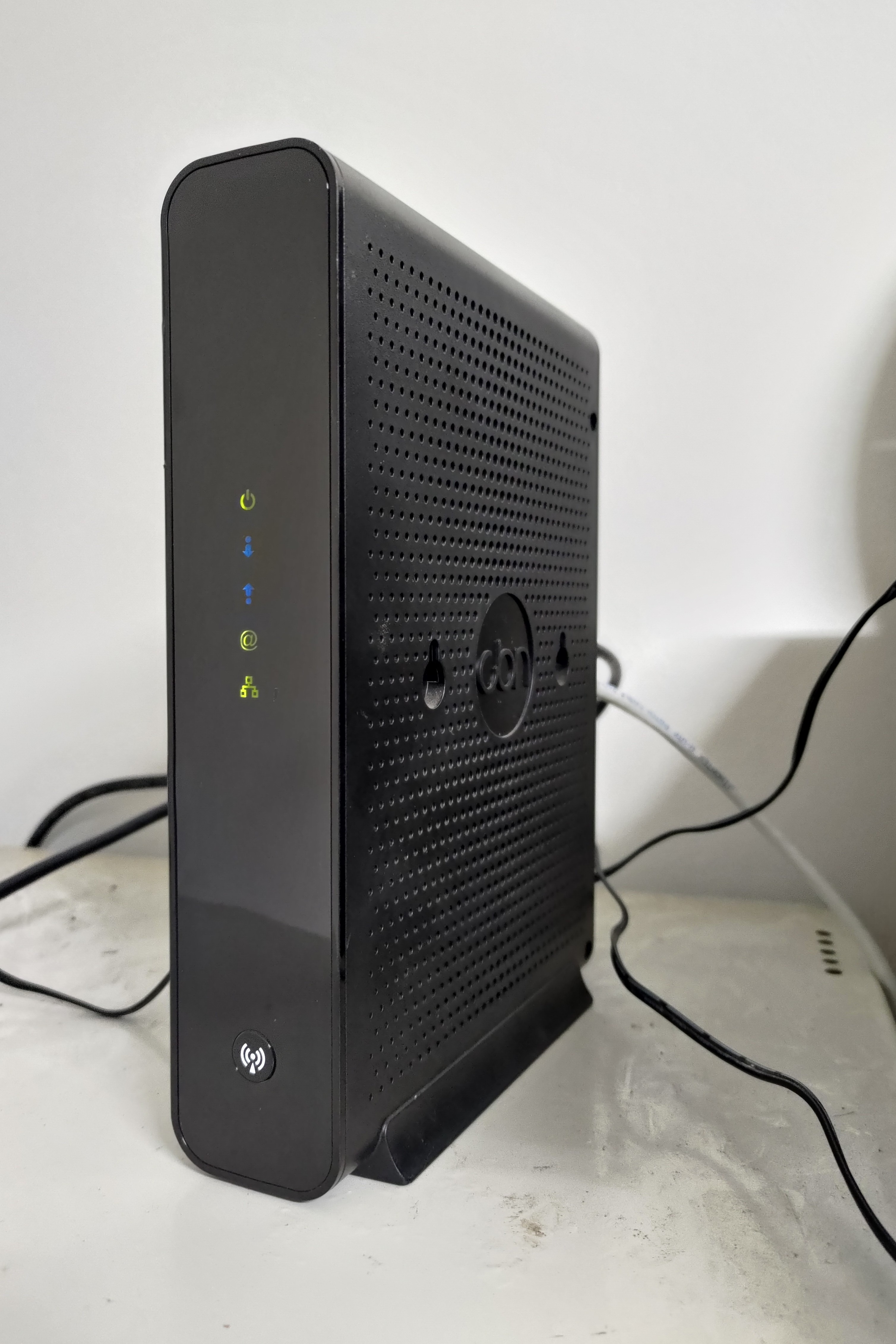
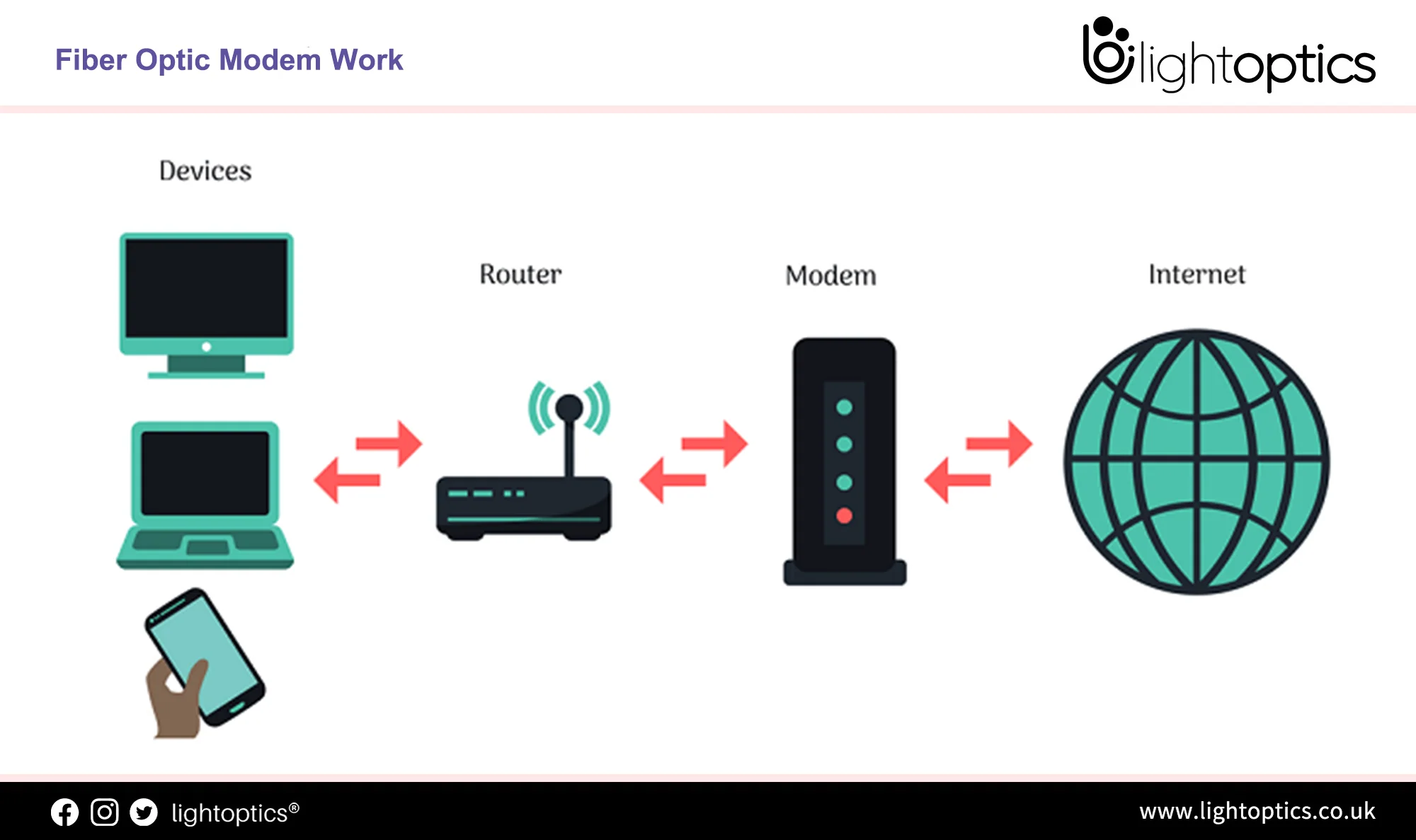
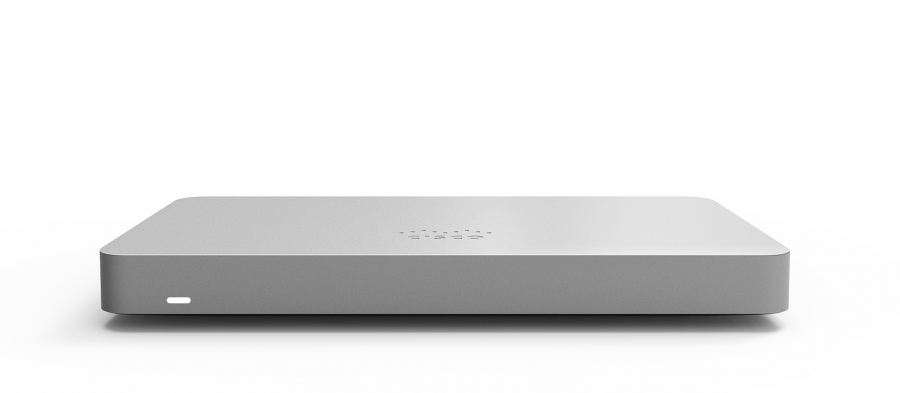
You will usually see:
Modem – From your internet provider
Firewall –
Cisco Meraki MX67, or
Ubiquiti Dream Machine Pro (UDM Pro)
Switch – Box with many Ethernet ports
Step-by-Step (Simple & Safe)
1️⃣ Unplug Power From ALL Devices
Unplug the power cord only from:
Modem
Firewall (MX67 or UDM Pro)
Switch
? Do NOT unplug network cables.
2️⃣ Wait 60 Seconds
Wait a full 60 seconds.
(This allows everything to fully shut down.)
3️⃣ Plug Devices Back In — This Order Matters
? Modem — FIRST
Plug in the modem
Wait 2–3 minutes
Lights should stop flashing and stay steady
? Firewall — SECOND
(Meraki MX67 or Ubiquiti UDM Pro)
Plug in the firewall
Wait 1–2 minutes
? Switch — LAST
Plug in the switch
Wait about 1 minute
Power-Up Order (Visual)
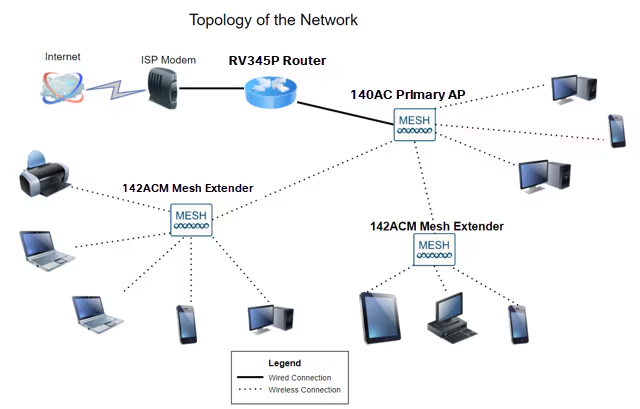
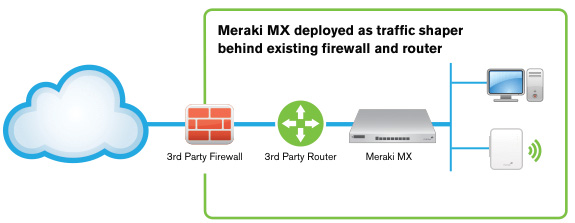
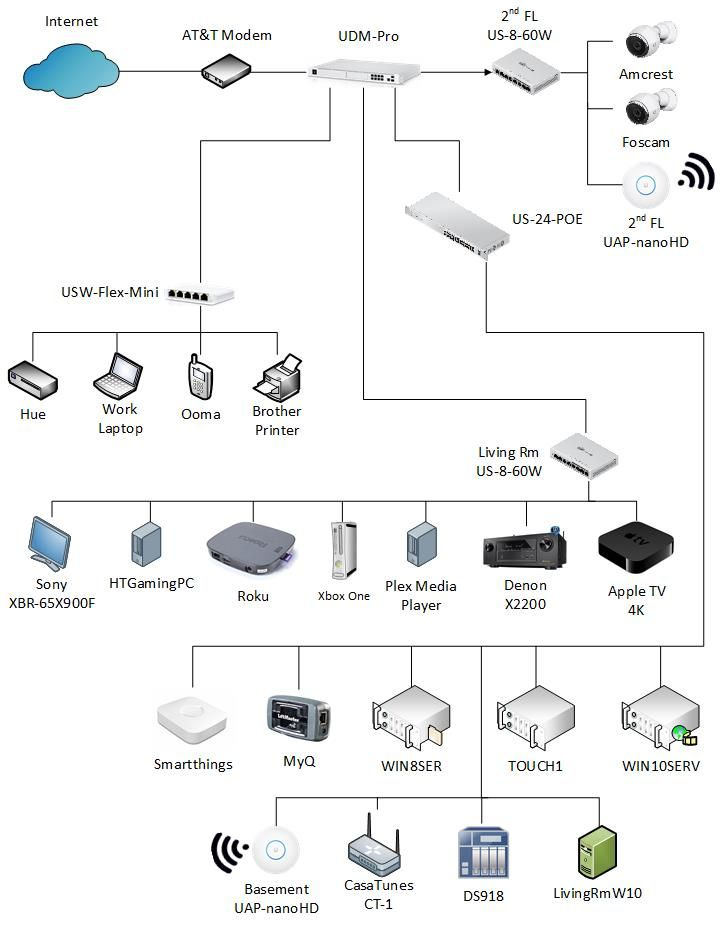
Correct order:
➡️ Modem → Firewall → Switch
After Everything Is Back On
Test the internet on your phone or computer
Check Wi-Fi, phones, or systems that were not working
Most issues are resolved after this.
Still Not Working?
Please contact support and share:
The time you restarted the equipment
Confirmation you restarted all three devices
What is still not working (internet, Wi-Fi, phones, etc.)
⚠️ Do not press reset buttons or move cables unless support instructs you to.
Quick Checklist (Swipe-Friendly)
✔ Unplugged power from all devices
✔ Waited 60 seconds
✔ Plugged back in: Modem → Firewall → Switch
✔ Waited for lights to stabilize
✔ Tested internet
Was this article helpful?
That’s Great!
Thank you for your feedback
Sorry! We couldn't be helpful
Thank you for your feedback
Feedback sent
We appreciate your effort and will try to fix the article